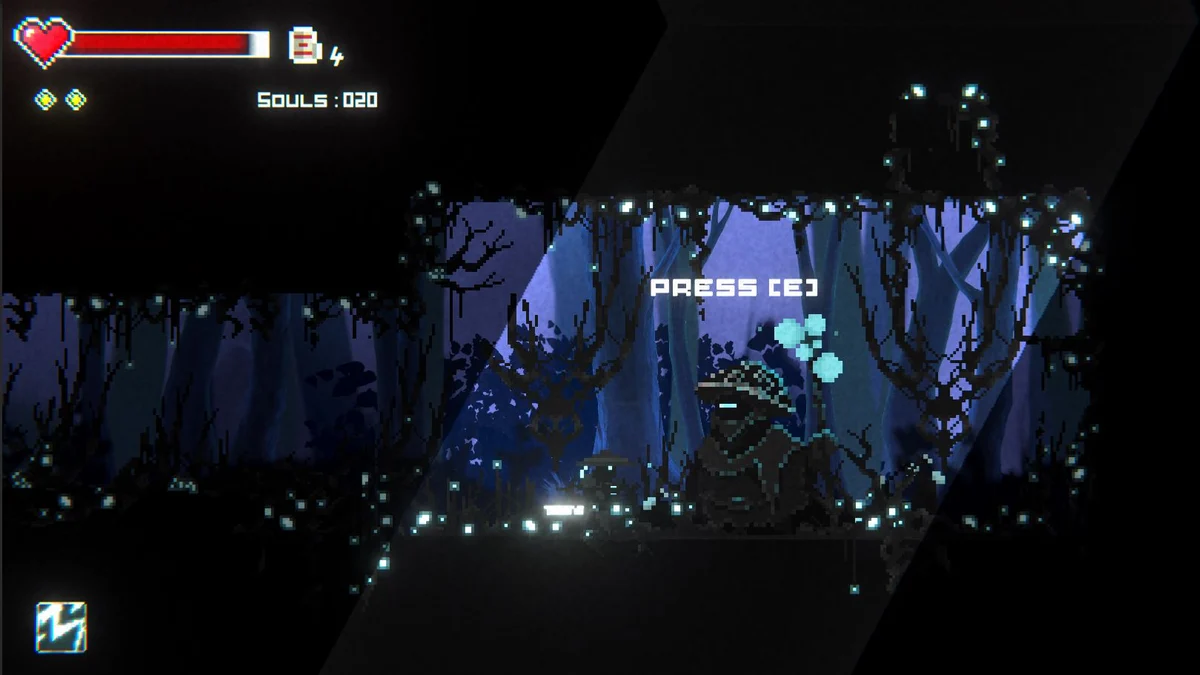
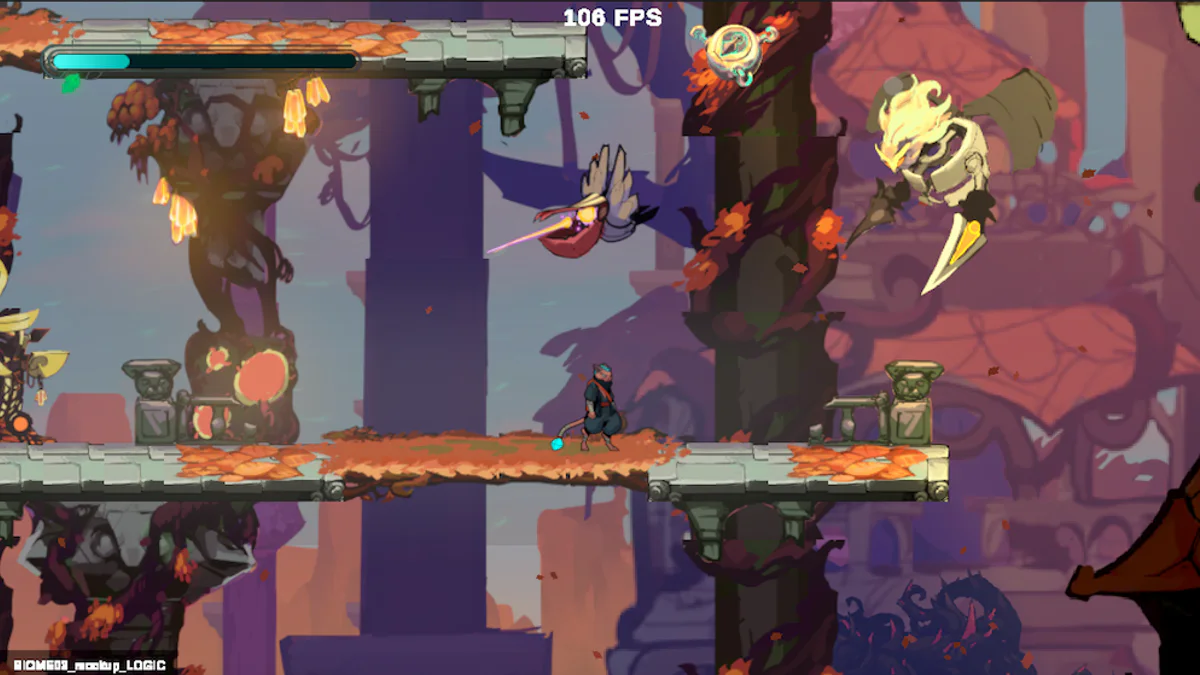
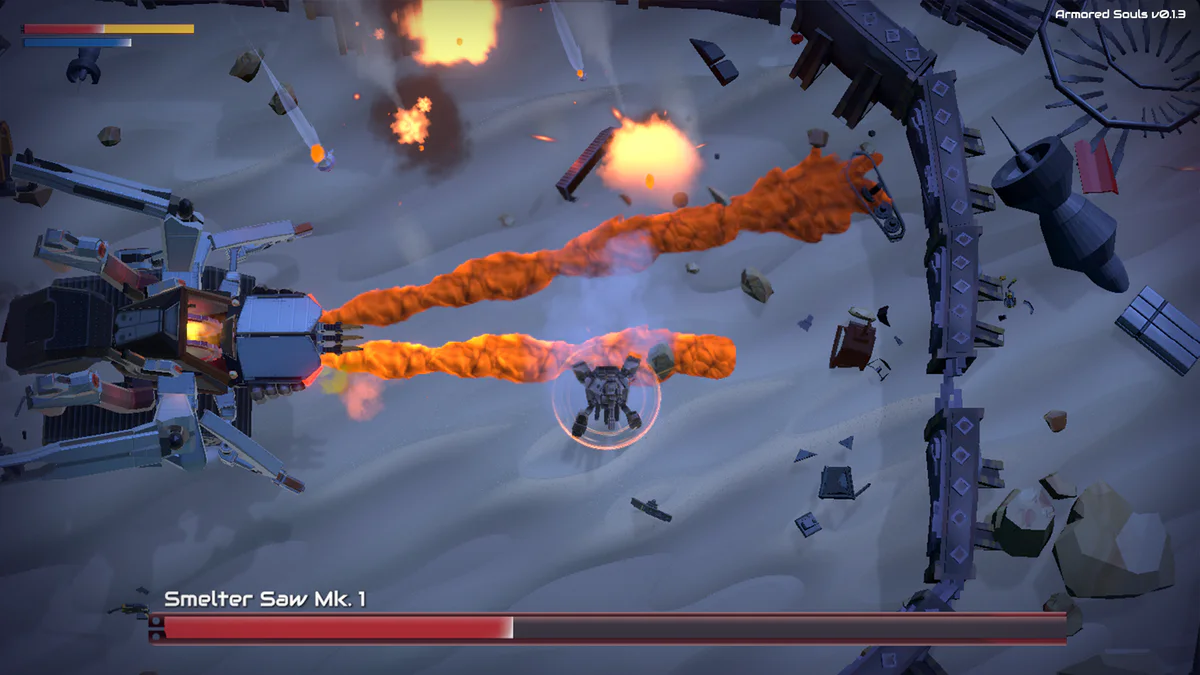
Armored Souls is one of the most mechanically distinctive games in the first Browser Game batch. The creator describes it as a Soulslike action game with roguelike elements set in a machine-driven dystopia, but its defining feature is not a bonfire clone. It is the Motherboard: a grid where weapons, movement, passives, inputs, links, augments, and other modules are physically arranged into working circuits.
The current itch.io release includes an HTML5 build and a Windows download. The developer warns that the WebGL version can be less stable and says controller play was prioritized, with keyboard support planned later in the development cycle. That makes input hardware the most important thing to check before you start.
Can you play Armored Souls in a browser?
Yes, but with an important qualification. The official page has a Run game HTML5 build, yet the creator explicitly recommends the Windows build for a more stable experience. The web version is a demo route, not proof that every system will behave perfectly in every browser.
Soulslike Wiki uses an official itch.io project widget only after you choose to load it. It does not embed or rehost the playable runtime. The developer-page link is always present so you can launch the official web build or download the native version.
Use a gamepad. The project page says controller play was prioritized and lists Xbox controller and general gamepad support as inputs. Players without a controller should not assume the current browser build offers a comfortable keyboard alternative.
The core mission loop
The structure is straightforward: enter hostile environments, fight machines, defeat a boss, collect loot, and leave through the exit portal. Bosses are identified by model or "Mk" number; higher Mk values mean harder fights. The same boss can be replayed to farm additional loot.
The exit requirement matters. The official guide warns that aborting a mission or being destroyed—even after the boss is dead—counts as defeat and loses the loot. So a boss kill is not the exact finish line. You still need to leave successfully.
That creates a risk-management step after victory: do not mentally stop playing because the health bar vanished. Confirm the route to the exit and protect the reward you just earned.
What is the Motherboard?
The Motherboard is the character-build interface. Imagine a rectangular grid of sockets rather than a normal equipment list. Mods occupy space on the board, and many need to be connected through Links to Inputs before they function.
The creator currently documents Weapon, Tool, Motion, Link, Augment, Input, and Chip mods. Inputs correspond to controller buttons. Motion mods enable movement. Weapons deal damage. Tools add utility or statuses. Links connect modules into circuits. Augments modify the connected circuit. Chips are passive effects that work when installed.
This means buildcraft is partly a spatial puzzle. A powerful module is useless if it is not connected correctly. Rotating pieces and arranging ports matters as much as choosing which item has the largest number.
Circuit design and build decisions
The most interesting choice is whether to create several weaker circuits or concentrate augments into fewer, stronger ones. Augments can stack along a circuit, so physical layout directly affects output.
That can produce very different play styles. One board might prioritize mobility and reliable weapon access. Another might create a high-damage circuit with heavier resource or survival tradeoffs. Community discussion on the creator page talks about overclock and damage-heavy setups, but those comments should be treated as player strategies rather than official balance guarantees.
The safe beginner approach is to build one understandable circuit at a time. Confirm that movement works, confirm your weapon input, then add links and augments. If you change everything simultaneously, it becomes difficult to diagnose why an input or weapon stopped working.
A critical beginner warning: keep your legs
The creator's own "Armored Souls 101" guide makes this wonderfully direct: legs make you move. Motion modules can be rearranged to make space, but removing the relevant movement hardware can leave the machine unable to move.
That rule captures the game's philosophy. Your character is literally constructed from systems on the board. Customization is not a cosmetic menu; it can remove fundamental abilities if you build carelessly.
Similarly, chips work immediately when plugged in, while other mods require proper circuits. Links cannot simply be ignored. Learn which parts are standalone and which depend on connectivity.
Why Soulslike players may enjoy it
The Soulslike connection is strongest in challenging boss fights, repeated learning, high-risk missions, and the need to adapt your build to tougher Mk encounters. The roguelike influence appears in loot, replaying missions, and assembling changing combinations of modules.
This is not a traditional sword-and-shield Souls experience. It is top-down, mechanical, and heavily build-driven. Players who enjoy the experimentation side of action RPGs may find the Motherboard more compelling than players who mainly want handcrafted exploration.
The boss loop also encourages a familiar pattern: lose, reconsider the build, replay an earlier mission for useful parts, then return stronger and better informed.
Browser or Windows?
Start with the browser build if you already have a compatible controller and want to understand the Motherboard. If the WebGL version feels unstable or loading is unreliable, follow the developer's advice and move to Windows.
Do not judge the control scheme from keyboard alone. At the time of verification, the creator still presents controller as the prioritized input.
For more browser Souls-inspired games, visit the Play hub. If your favorite part is buildcraft, also compare Armored Souls with the wider Soulslike game database and use the Game Finder when you want platform or feature filters.